
Waveform Free Features

Mix Analysis
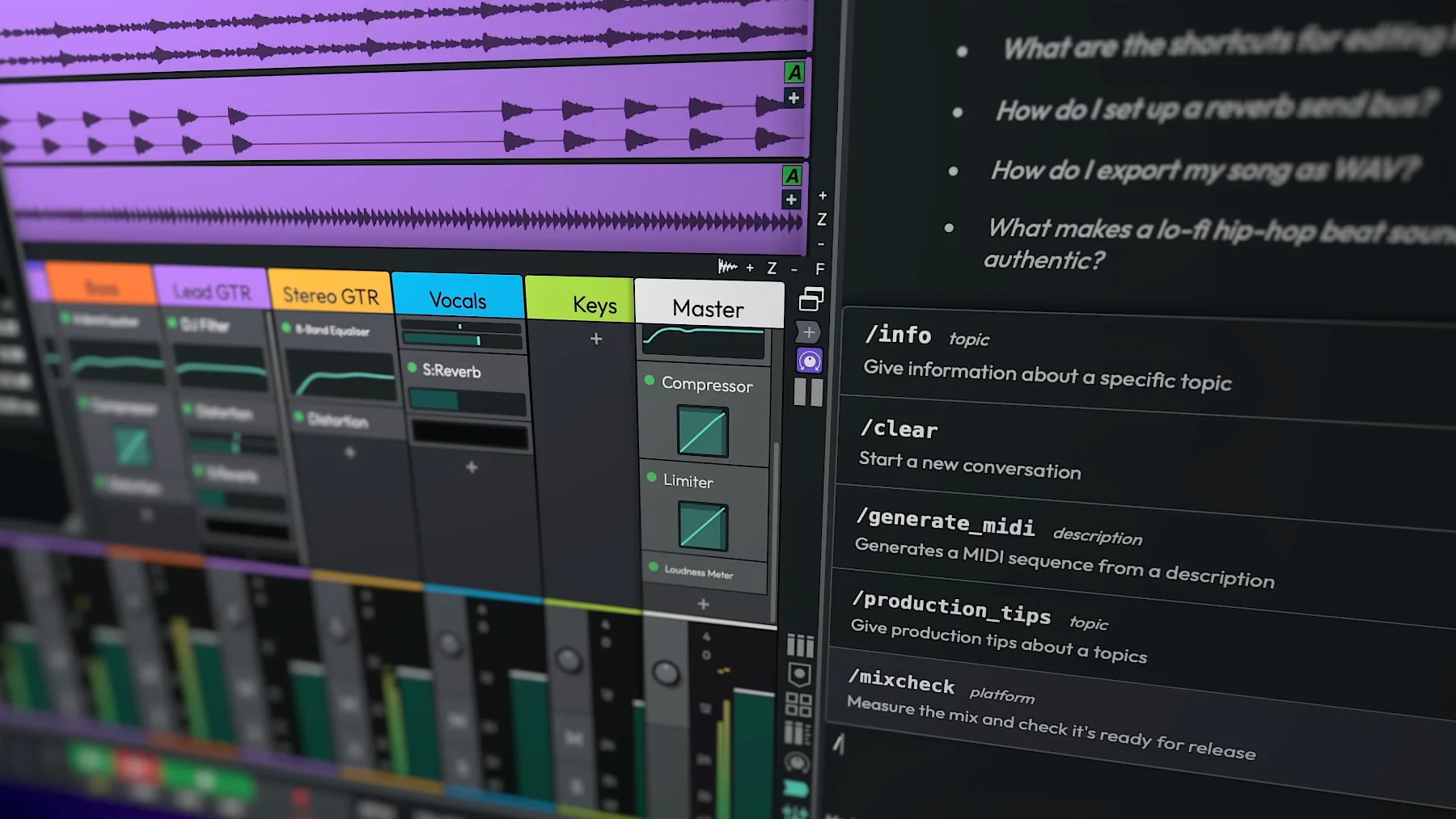
Get feedback grounded in your music. The Assistant renders your mix, individual tracks or a selected time range, then measures loudness, true peak, dynamics, spectral balance, masking and mono compatibility.
Ask why your mix sounds muddy and it identifies the tracks and frequencies responsible. Type /mixcheck to compare your mix with your streaming platform's target. Make an
adjustment and the
Assistant can measure again, so you can see exactly what changed and keep moving towards a finished
mix.
Render Export
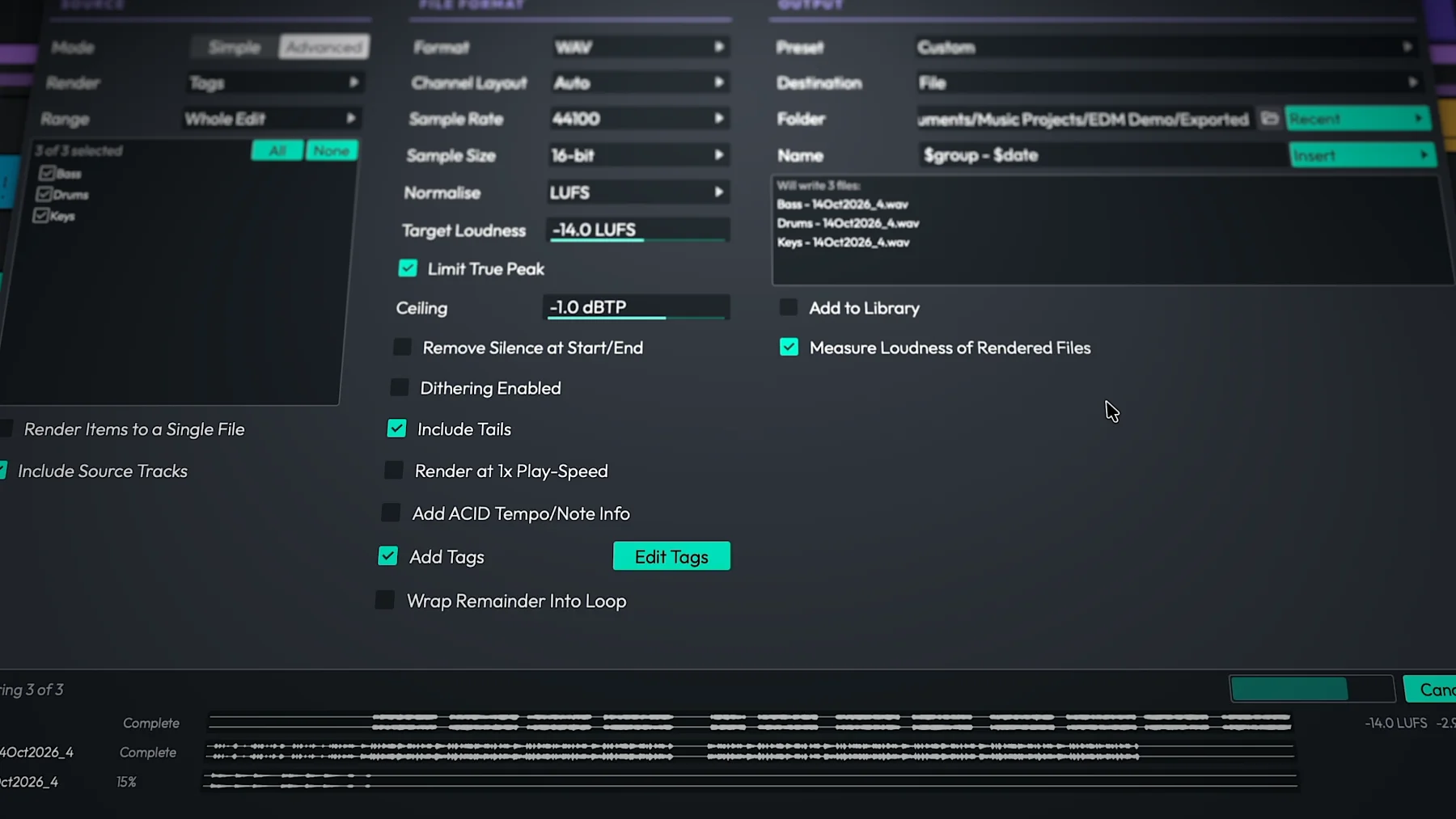
Take your finished music straight to delivery with a completely rebuilt Render window. Exports run in a background queue, pattern-based file names update in a live preview, and LUFS normalising with a true-peak ceiling helps you hit your intended delivery levels.
Waveform Pro's Advanced mode adds flexible stem exports by track, tag, submix or output. Sidechain-accurate processing preserves the relationships within your mix, so every stem sums back to the full mix.
Also in 14.1
More ways to create, customise and keep your sessions moving.
- Choose your AI model: Use AI Profiles to run the Assistant through your ChatGPT subscription without an API key, or with a local model via LM Studio or Ollama.
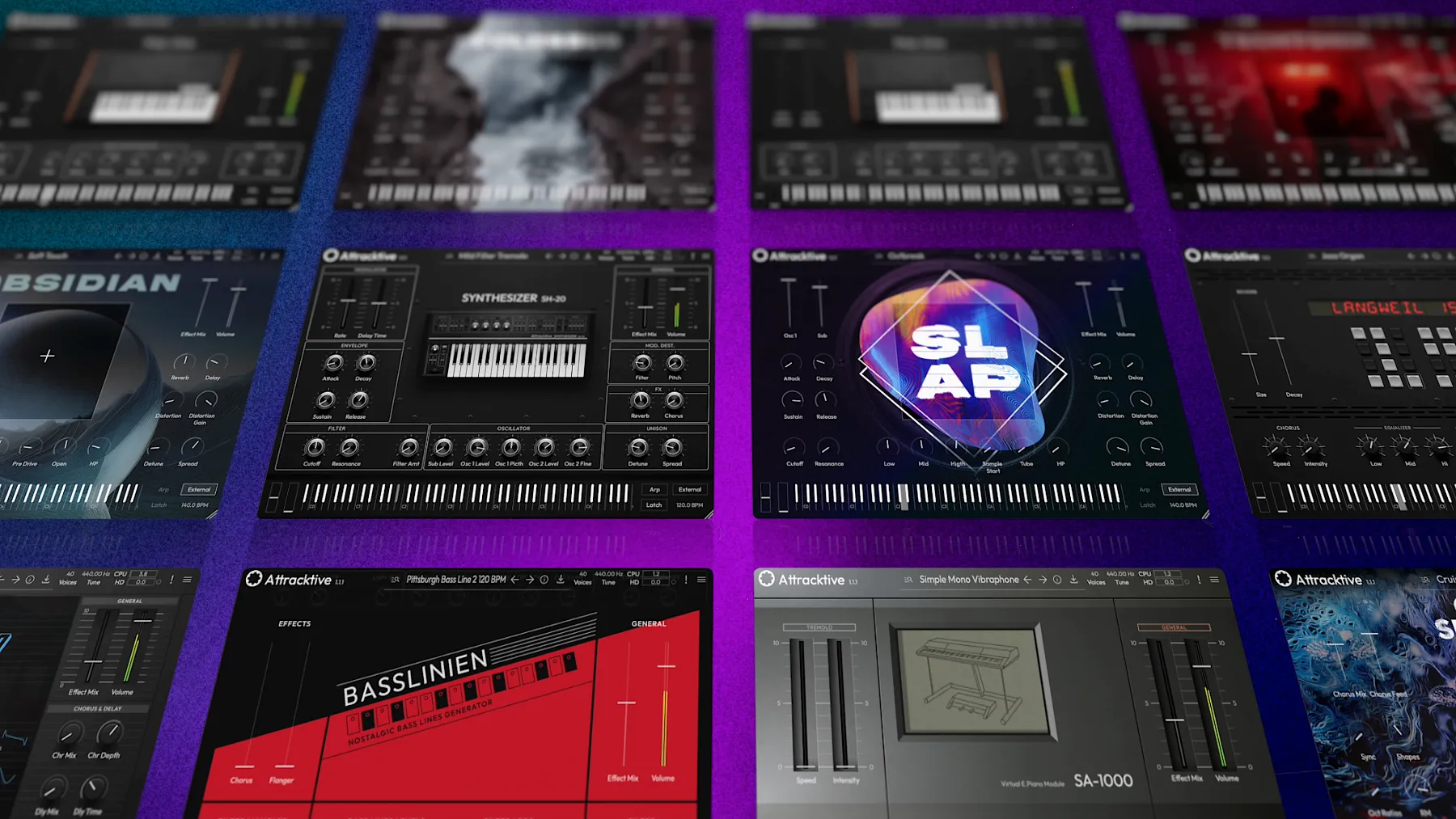
- Meet Attracktive: Tracktion's synth is now built in and free in every edition, with factory content available through the Download Manager.
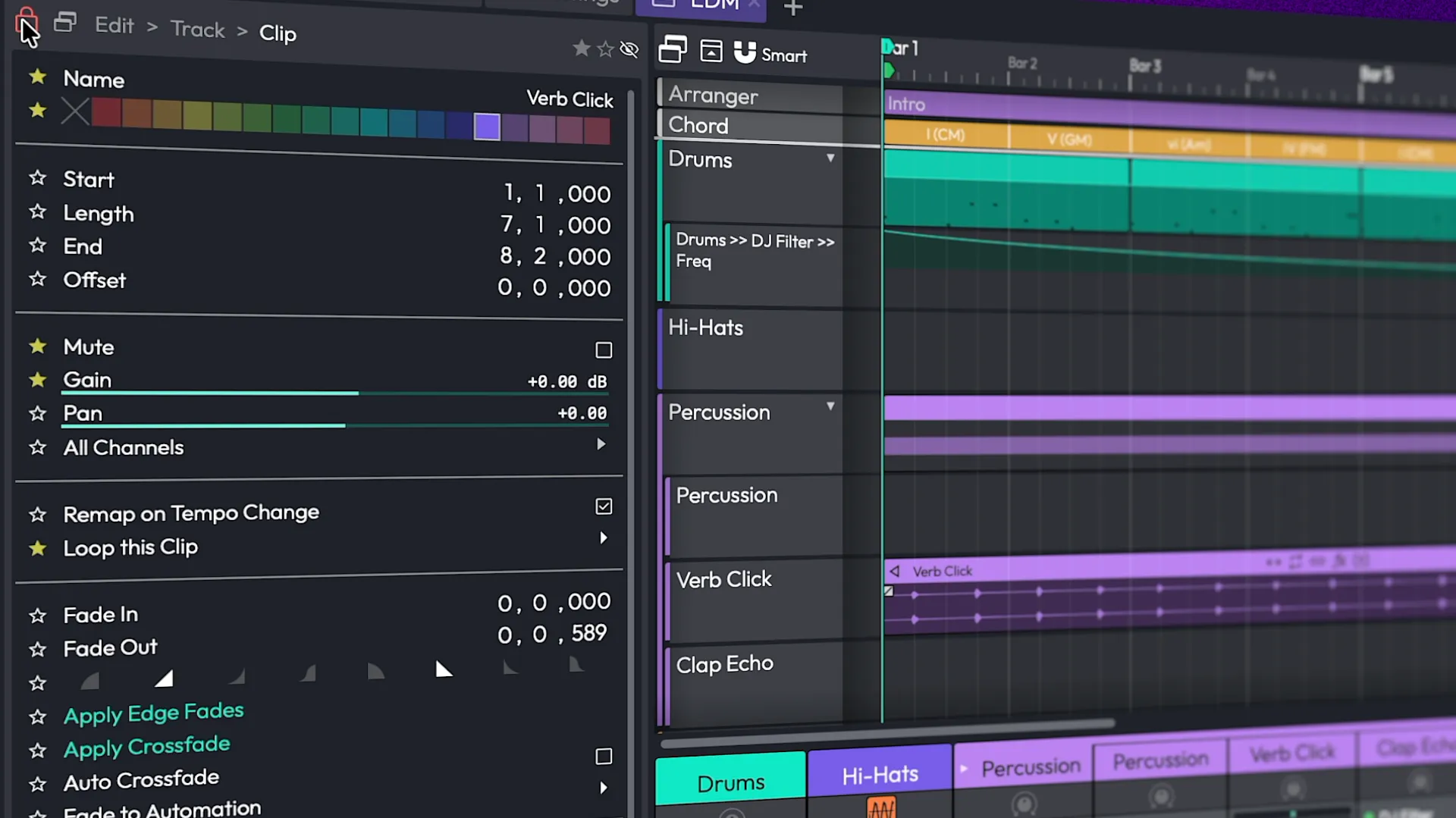
- Work with plugins inline: The new Plugins detail editor displays a track's plugins and modifiers together, with drag-to-assign modifiers.
- Access Pattern Generator faster: A new toggle puts it in the Clip detail editor.
- Enjoy smoother sessions: A rewritten MP3 encoder, clip launcher fixes and stability improvements round out the update.
Fresh New Look
The User Interface has undergone a complete refresh, offering new light and dark schemes that perfectly complement Waveform 14's bold, high contrast new look.
To offer further control over the look of the UI, long-term users will welcome the return of an updated and fully customisable colour editor. You can experiment with the 20 plus presets or create and save your very own custom environments.
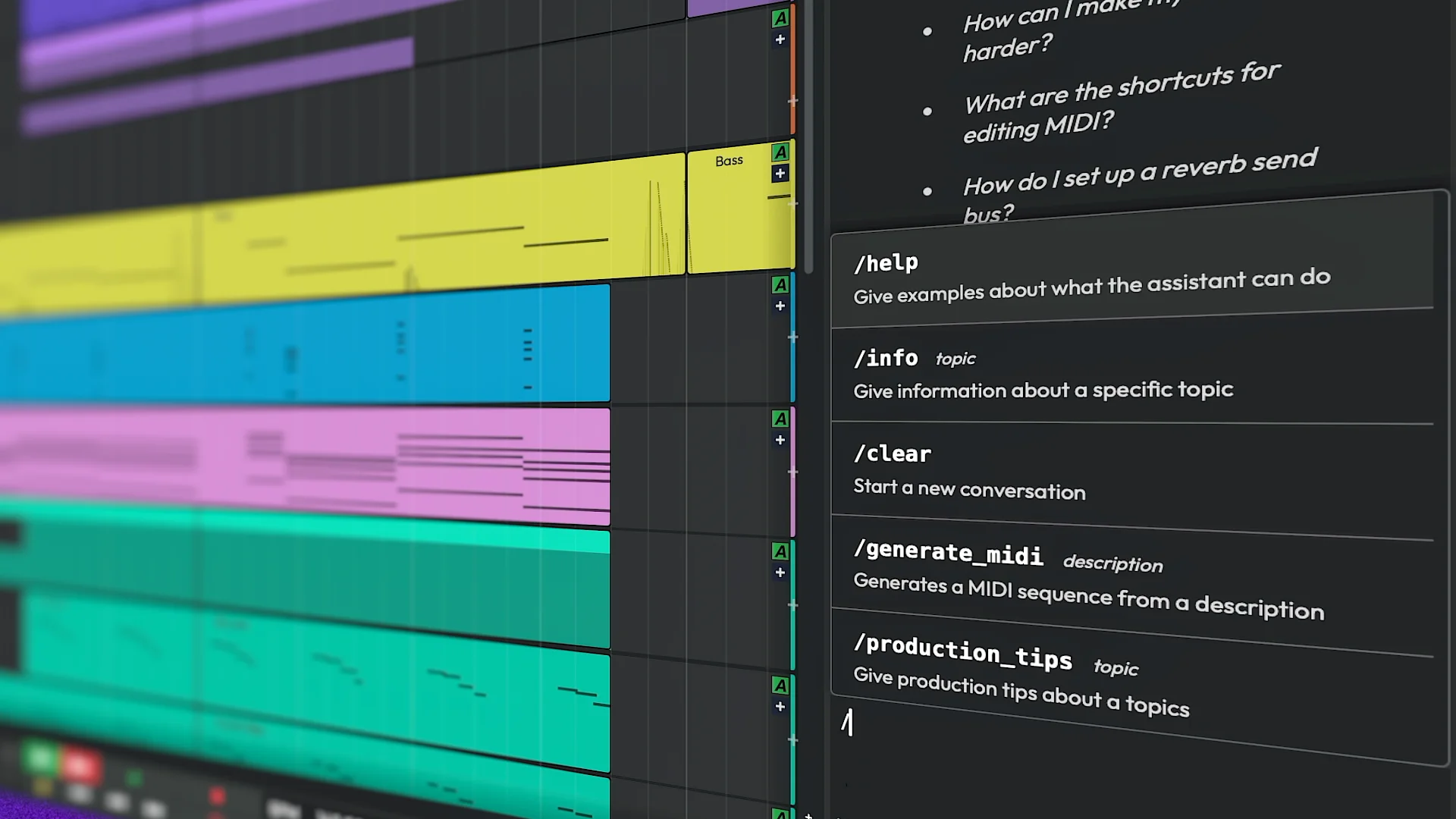
Assistant
Waveform's LLM-driven Assistant is deeply integrated into your creative workflow, helping you move faster without taking over the music making. Ask functionality questions with answers informed by the user manual, explore production and composition ideas, and stay focused on the track in front of you. Choose the model that suits the moment and pay as you go, without being tied to another subscription.
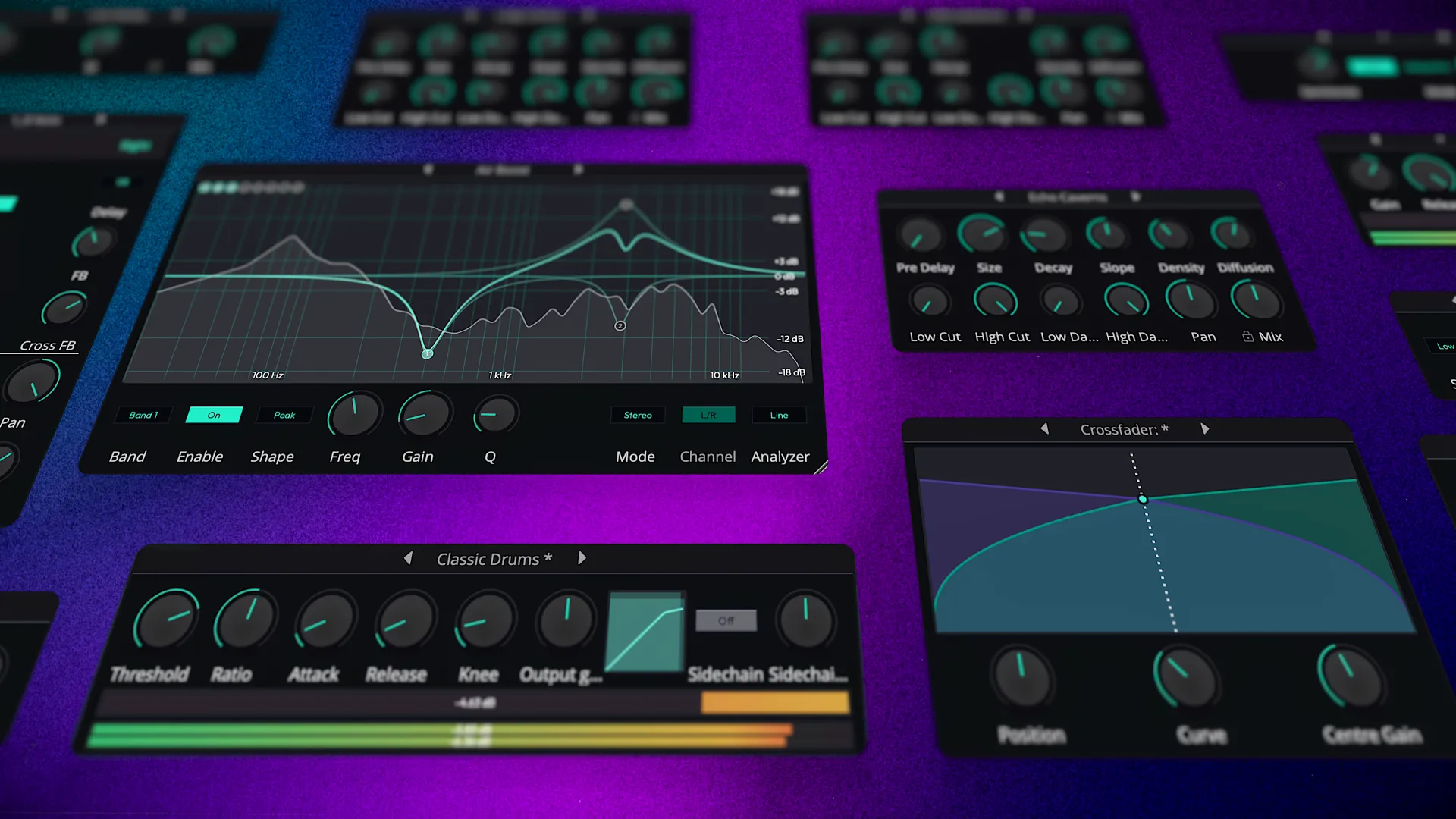
14 Refreshed Audio Effects
Waveform Free's entire collection of stock DSP plugins has been refreshed, bringing much-improved performance, functionality and visual appearance.
These include: Compressor, Gate, Limiter, Chorus, Phaser, Stereo Delay, Distortion, Non-Linear Reverb, Plate Reverb, Natural Reverb, Impulse Response, Phaser, DJ Filter, Single-band EQ, Three-band EQ and an Eight band EQ with adjustable slope and mid/side mode.
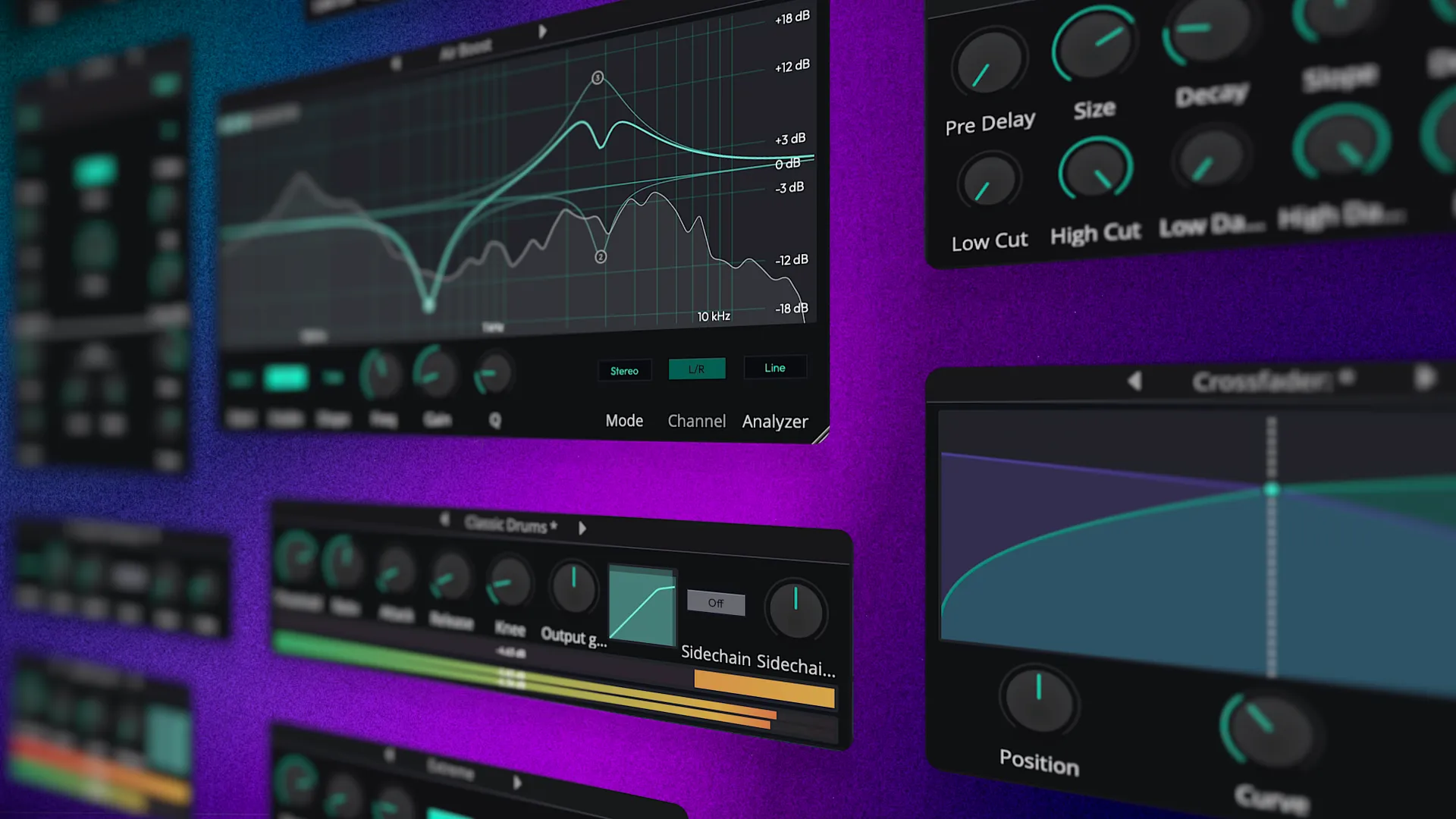
11 Super Handy Utility Plugins
Waveform Free 14 also adds 6 of the most commonly requested utility tools, including:
An AB Switch - A convert to Mono tool - a Mid/Side splitter - a Spectrum analyser - Plus MIDI CC and a MIDI Note Name plugin.
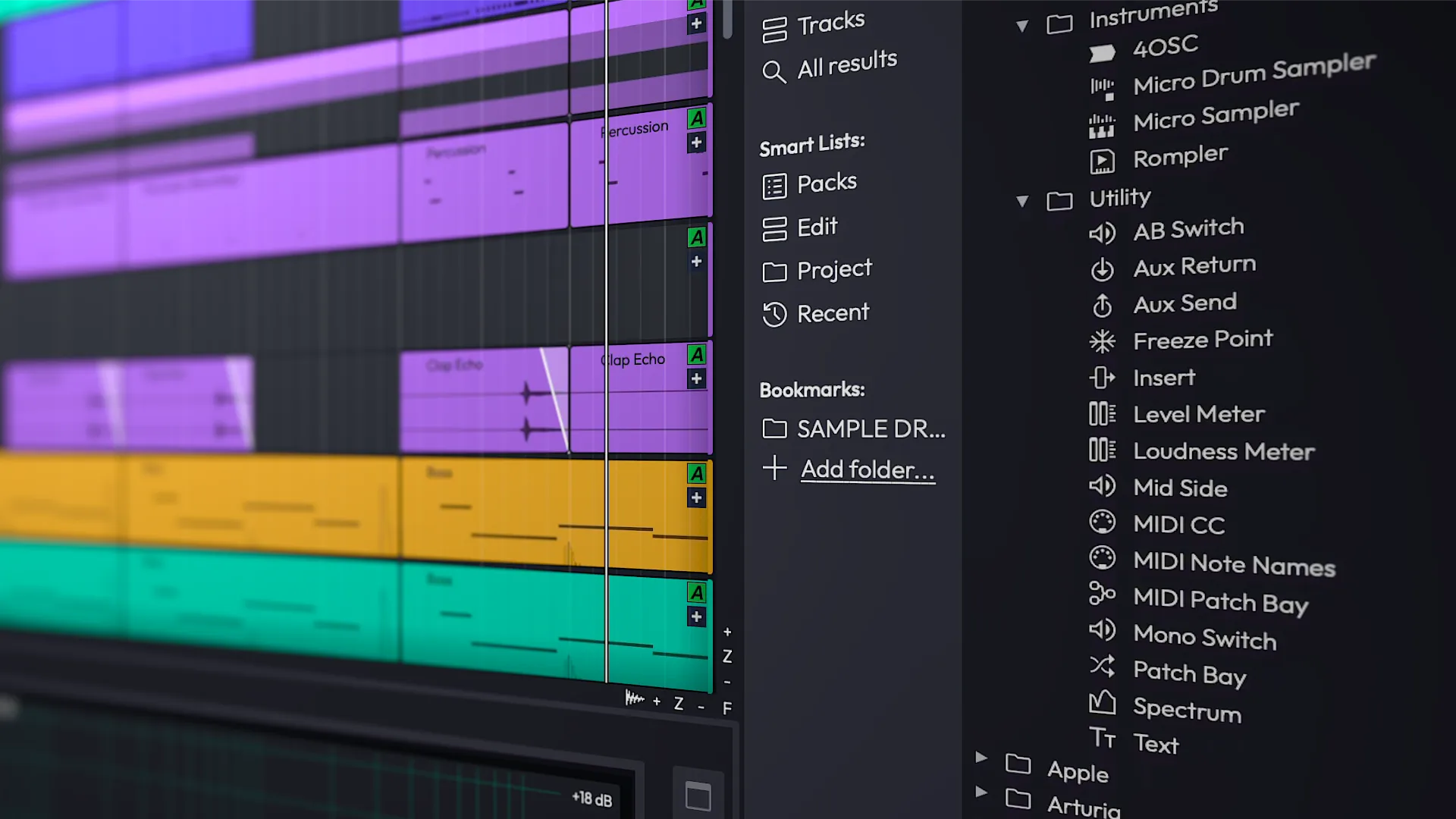
Entirely New Browser
Offering tags, favorites and smart lists, the browser has been completely overhauled offering intuitive new ways to browse, audition and organise.
A new categorised approach allows you to select and search by: Plugins, Presets, Racks, Samples, Clips, Tracks or All. Making the search experience both cleaner and more efficient.

Unified Properties & Dedicated Actions Panel
The Actions and Properties panel have been unified, allowing you to reclaim valuable screen space by using one for all. This refinement speeds up workflows while decluttering the edit window.
To further enhance feature and project navigation, a dedicated actions panel is now offered alongside the regular browser. This can be bought in and out of view via the panel visibility manager or by assigning a quick key.

Completely Rewritten Audio Engine
Our developers have painstakingly and completely rewritten the audio engine resulting in greatly reduced CPU load, perfect PDC in all routing configurations and better support for modern machines with a higher number of CPU cores.
- Purchase options
- Feature expansions for Waveform Free from $30
- What's included
- Waveform Free, 14 built-in audio effects, 8 MIDI effects, 11 utility plugins, 4 built-in instruments
- System requirements
-
-
 macOS 13 or Later
64-bit Intel or Apple Silicon -
 Windows 10, 11
64-bit -
 Tested on Ubuntu 24.04 64-bit
-
